
Nookdeck Classic
The original one-click looks: iOS Shortcuts, Nookdeck cyan, Violet, Knowns purple, OLED black, Warm wood, Light and High contrast.
Built in. Nothing to install.
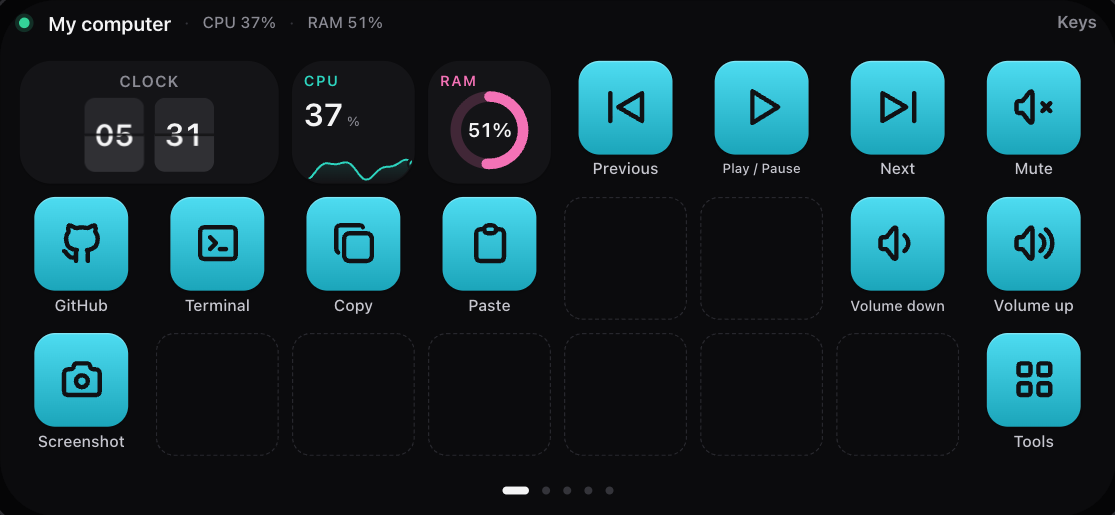
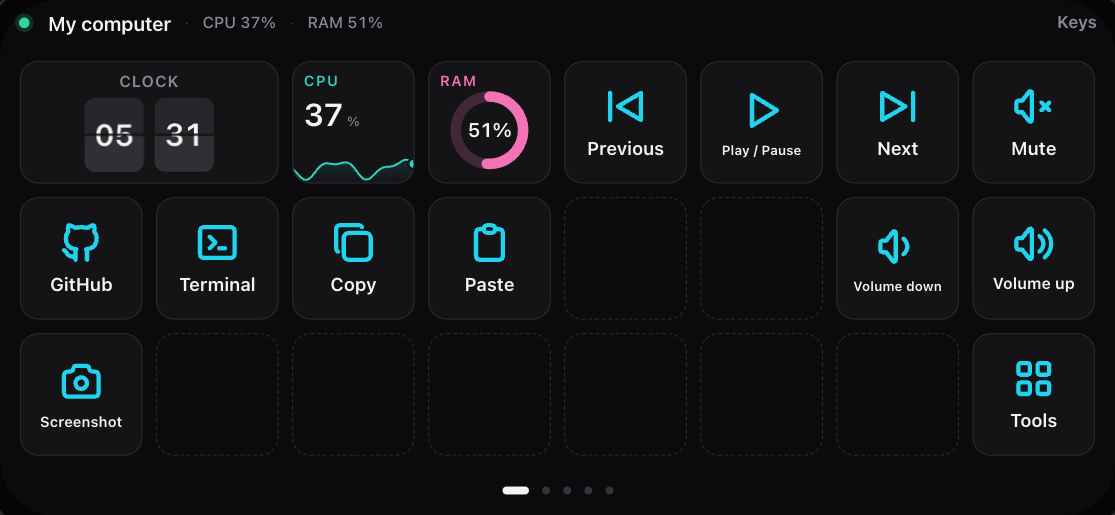
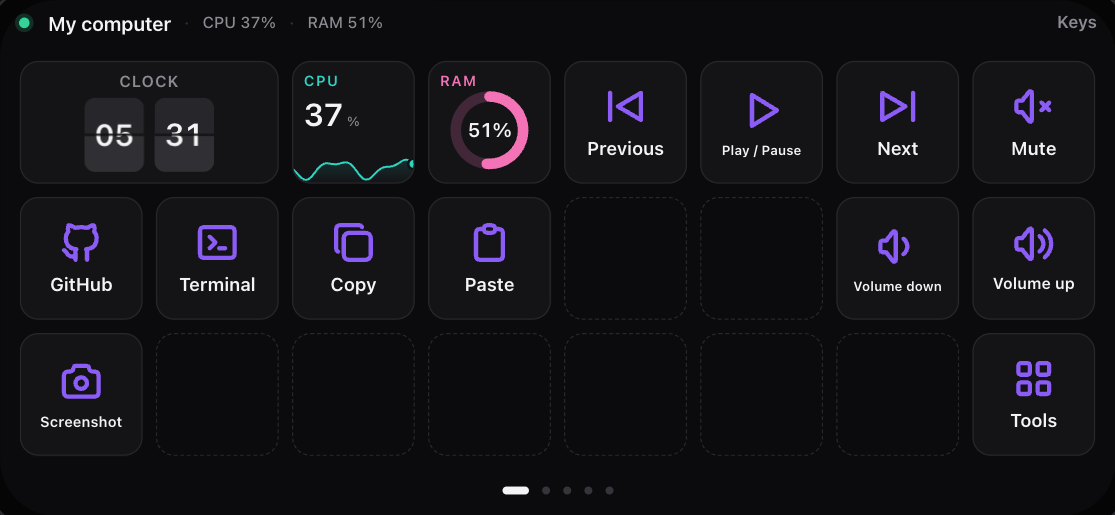
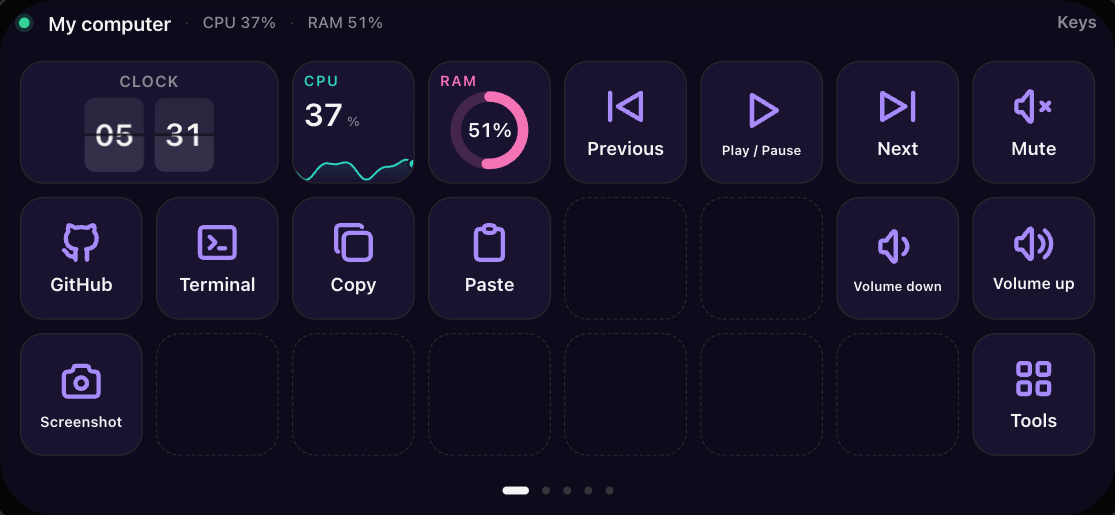
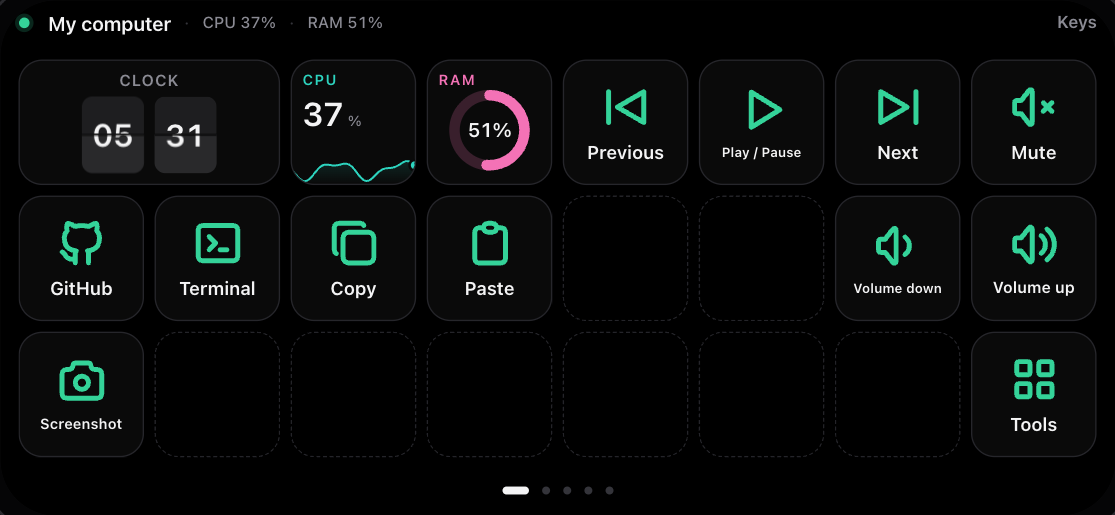
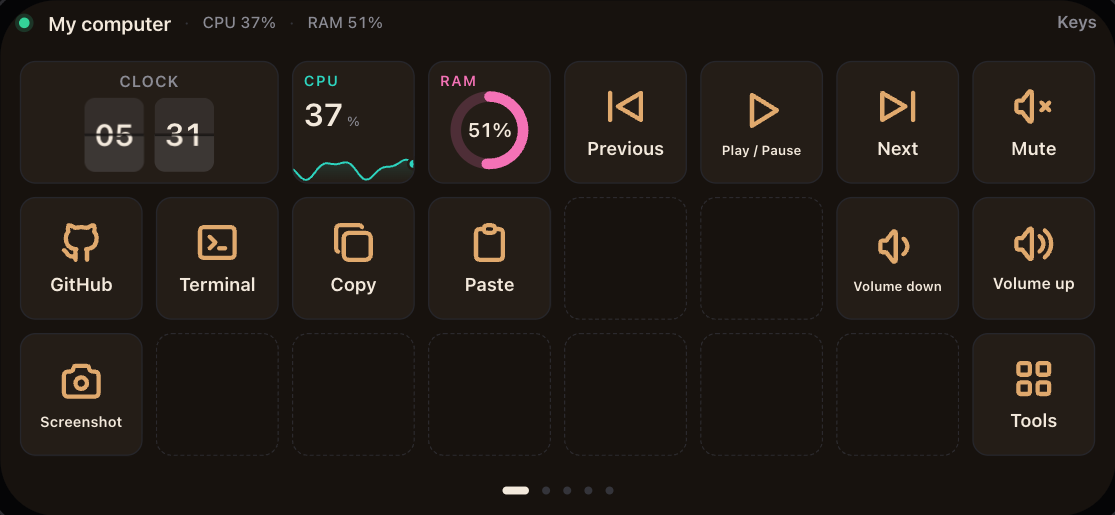
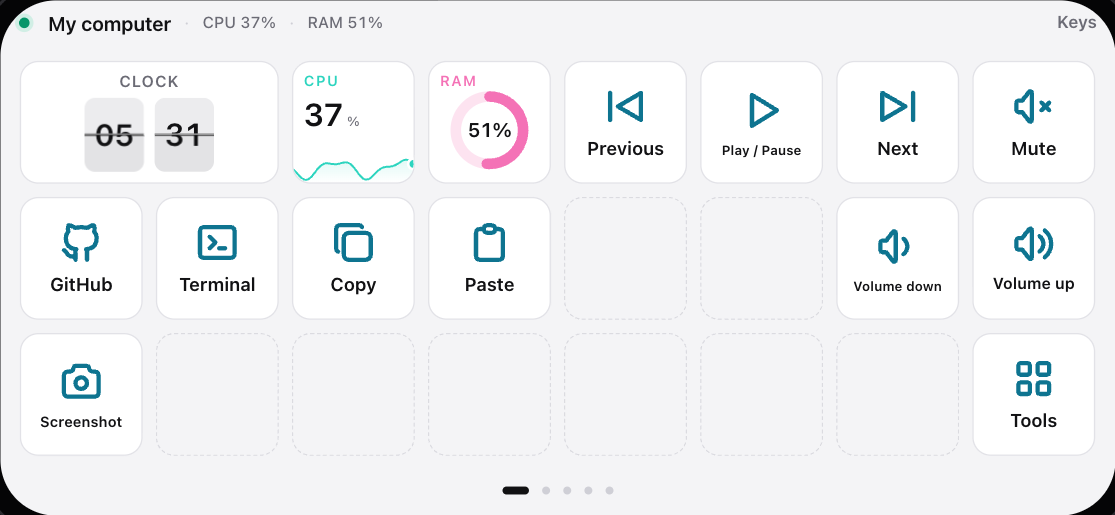
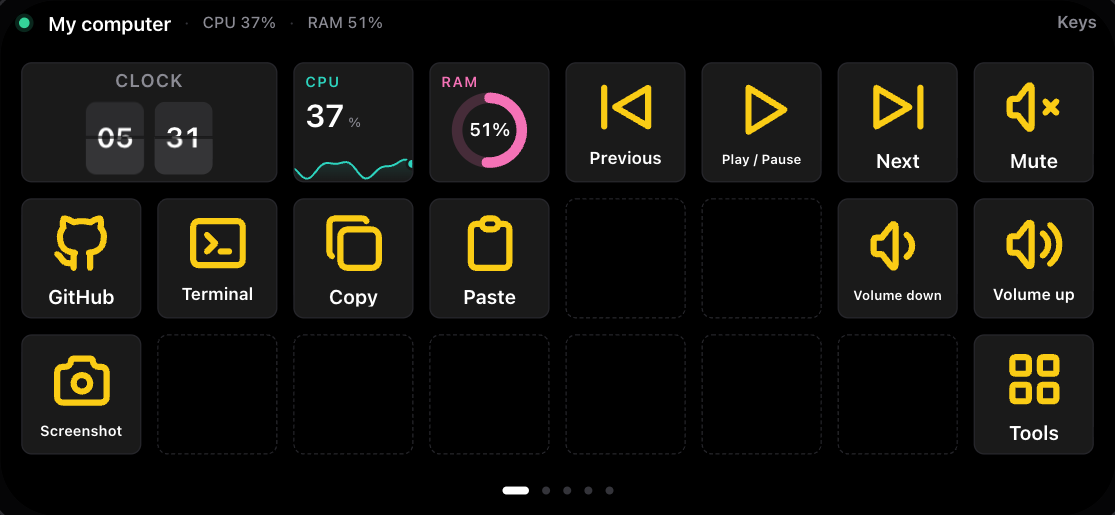
This is the real deck running with this look, with sample data. Nothing is sent anywhere.
iOS Shortcuts Dark
Nookdeck cyan Dark
Violet Dark
Knowns purple Dark
OLED black Dark
Warm wood Dark
Light Light
High contrast Dark
Every part of the deck
All the pieces below are drawn with this look, so you know what each one will look like on your phone.
App buttons
Tile states
Widgets
Controls
Text
Heading
Body text sits on the tile colour.
Muted text for hints and captions.
App buttons
Tile states
Widgets
Controls
Text
Heading
Body text sits on the tile colour.
Muted text for hints and captions.
App buttons
Tile states
Widgets
Controls
Text
Heading
Body text sits on the tile colour.
Muted text for hints and captions.
App buttons
Tile states
Widgets
Controls
Text
Heading
Body text sits on the tile colour.
Muted text for hints and captions.
App buttons
Tile states
Widgets
Controls
Text
Heading
Body text sits on the tile colour.
Muted text for hints and captions.
App buttons
Tile states
Widgets
Controls
Text
Heading
Body text sits on the tile colour.
Muted text for hints and captions.
App buttons
Tile states
Widgets
Controls
Text
Heading
Body text sits on the tile colour.
Muted text for hints and captions.
App buttons
Tile states
Widgets
Controls
Text
Heading
Body text sits on the tile colour.
Muted text for hints and captions.