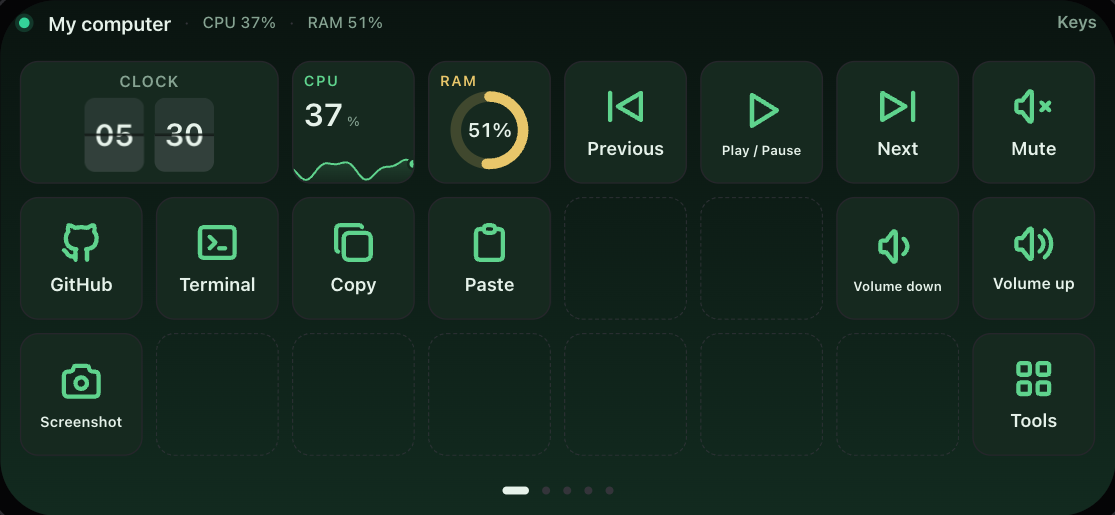
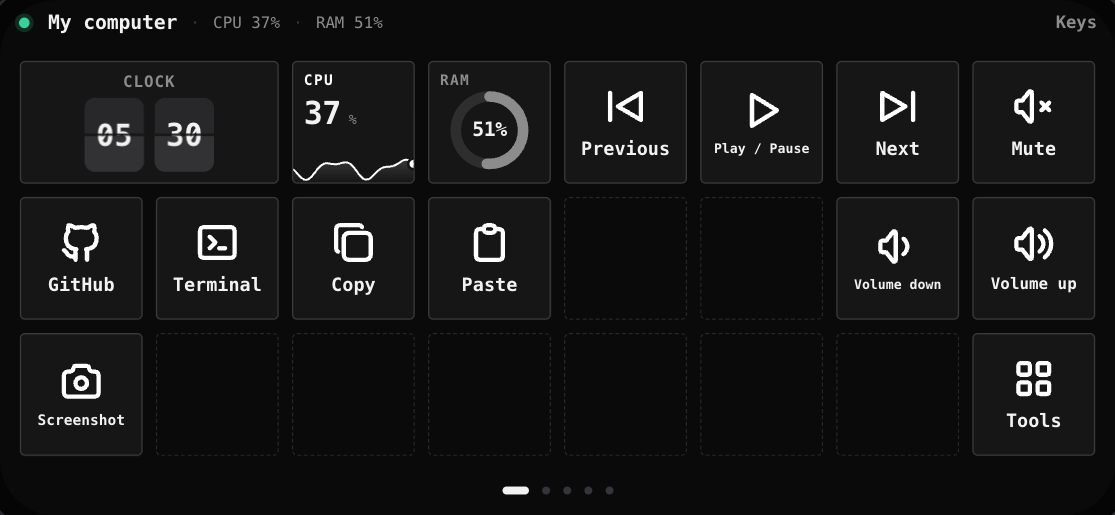
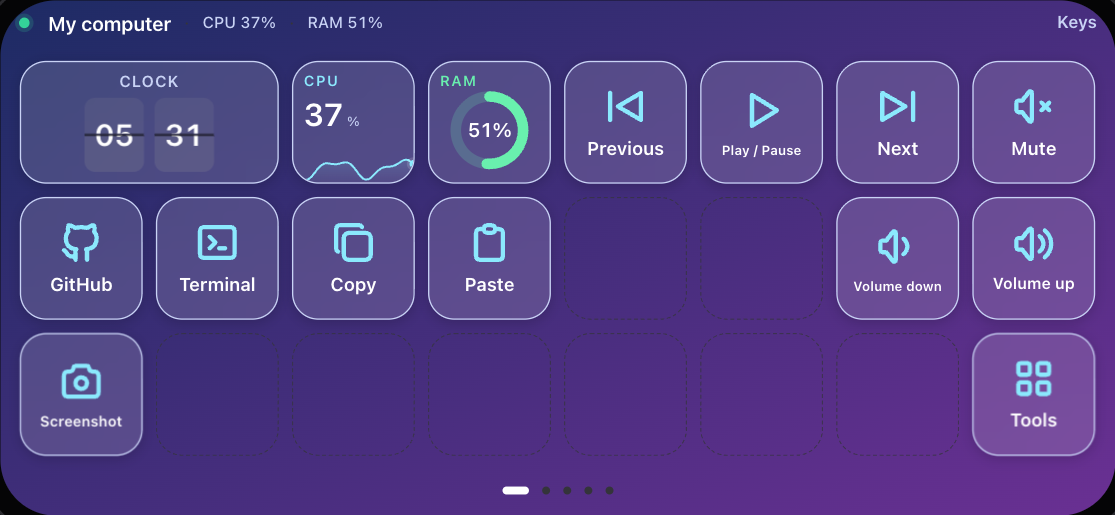
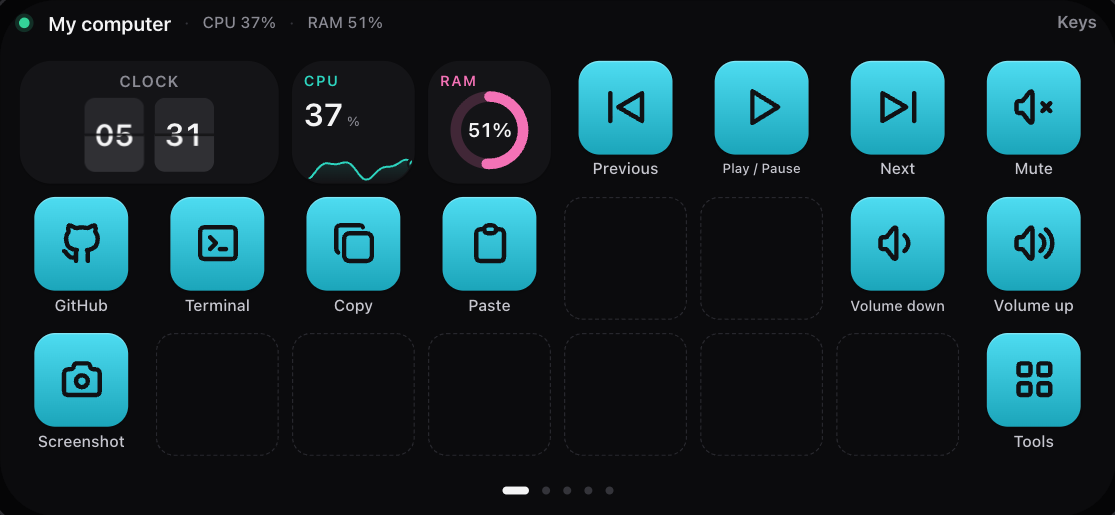
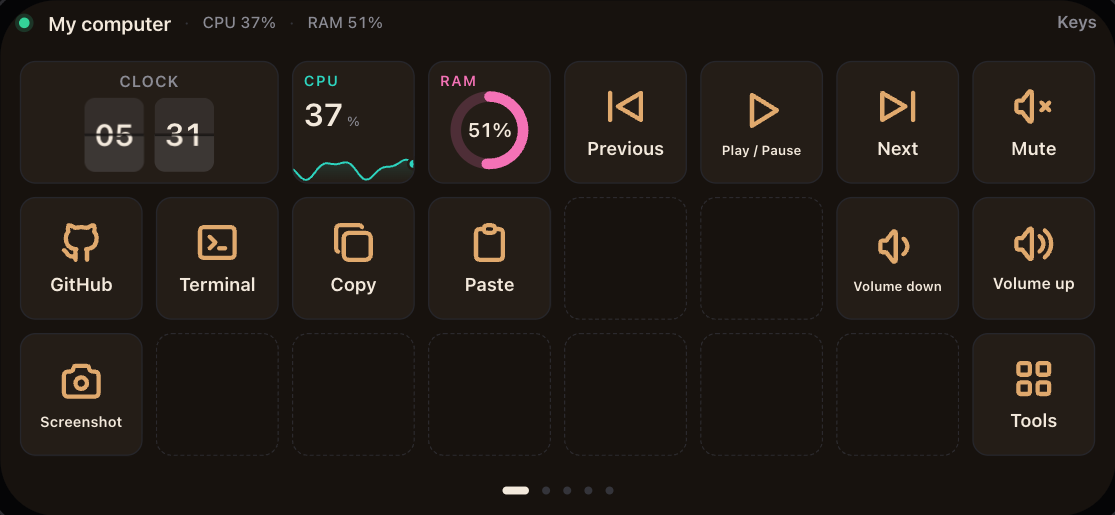
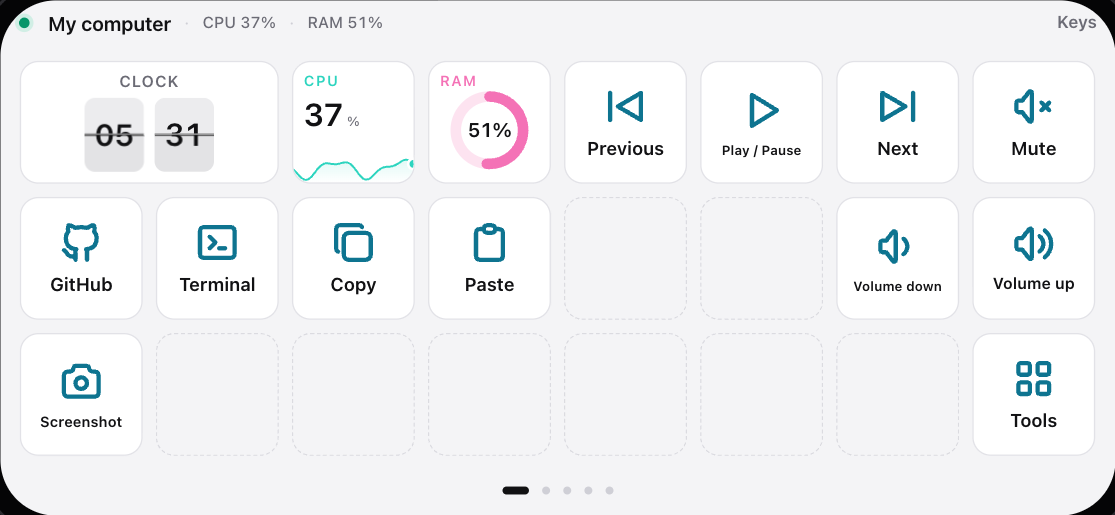
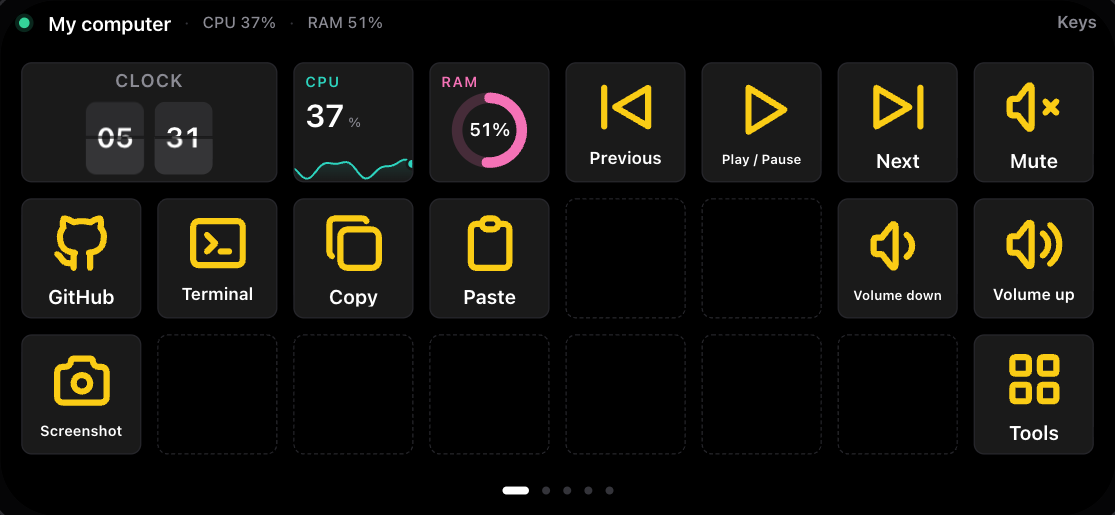
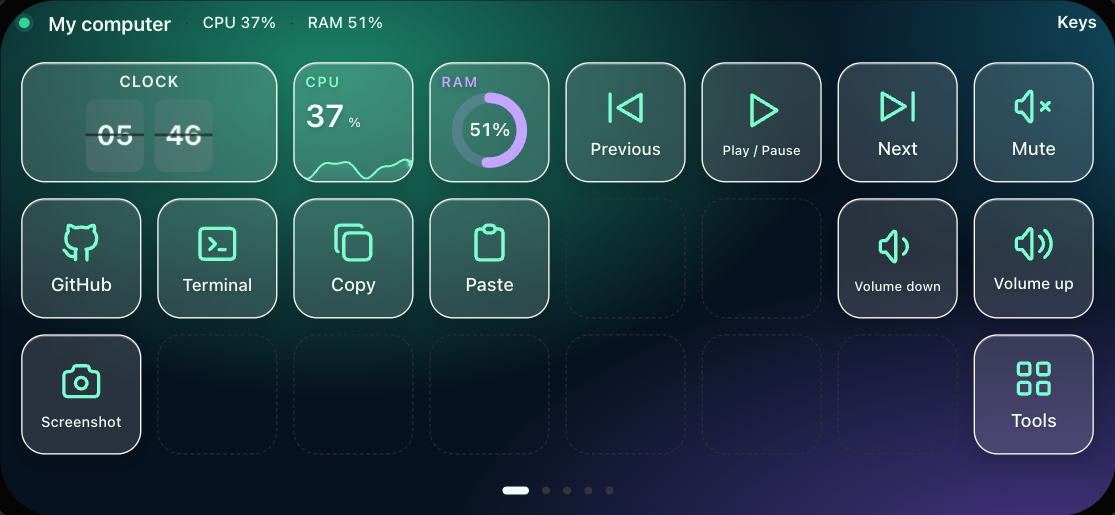
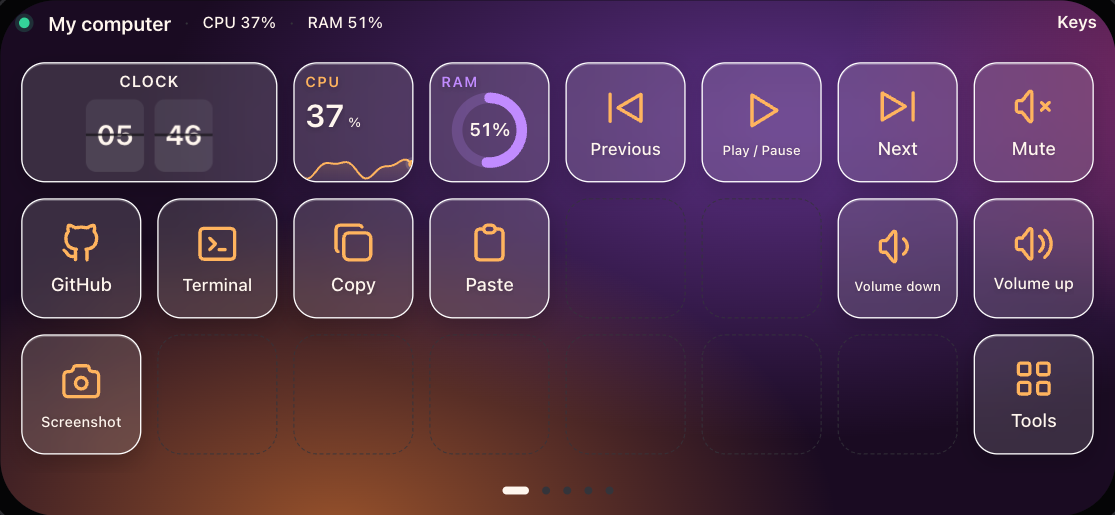
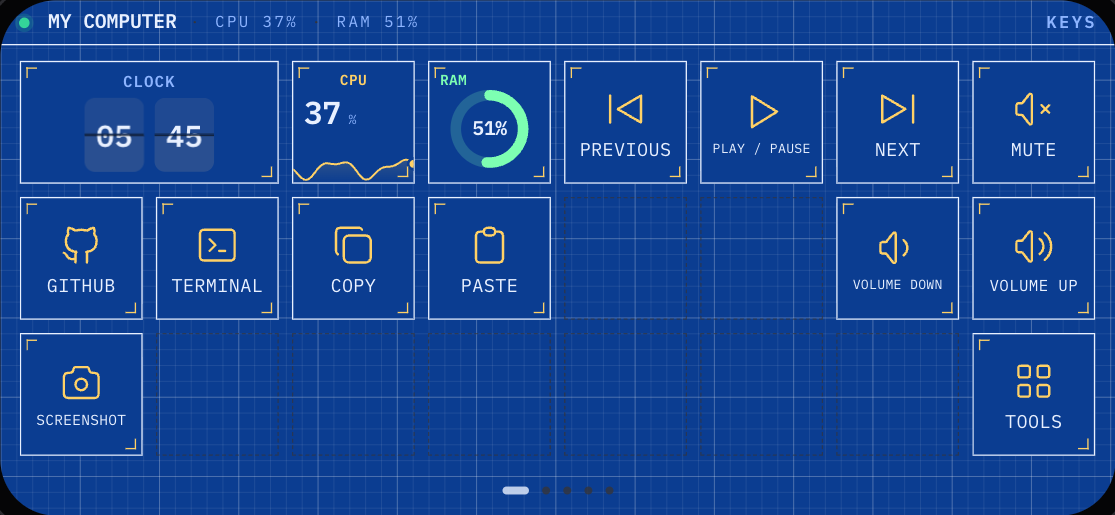
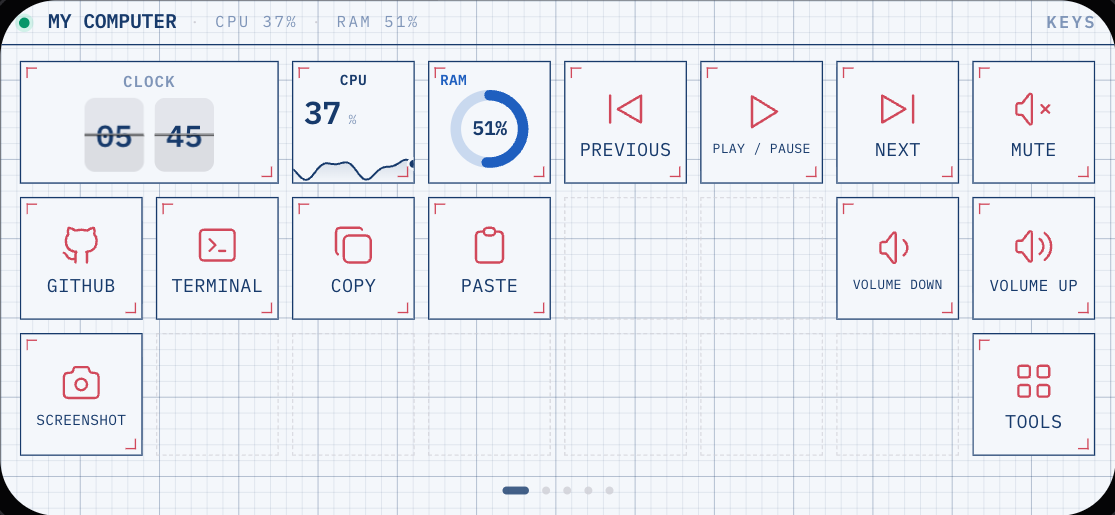
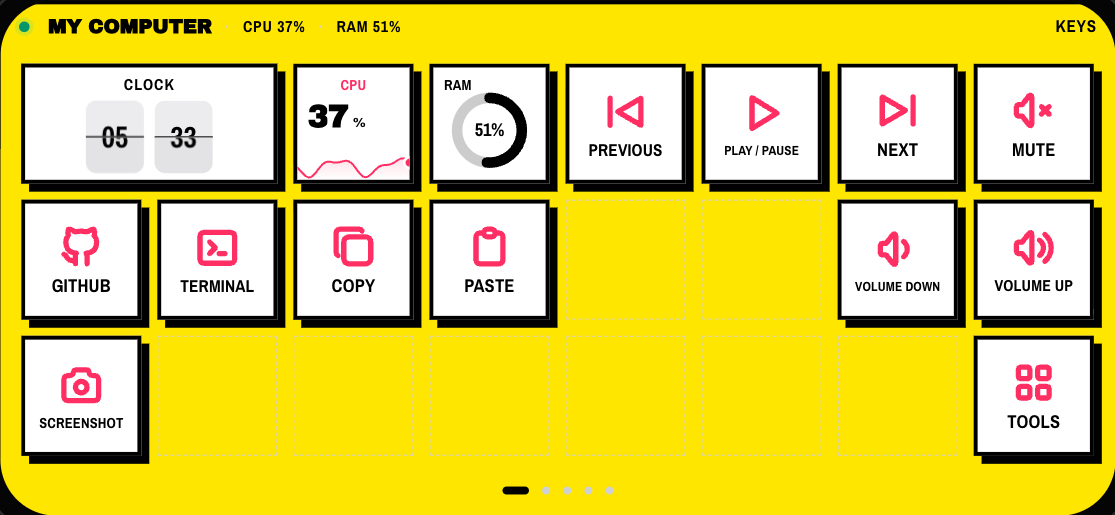
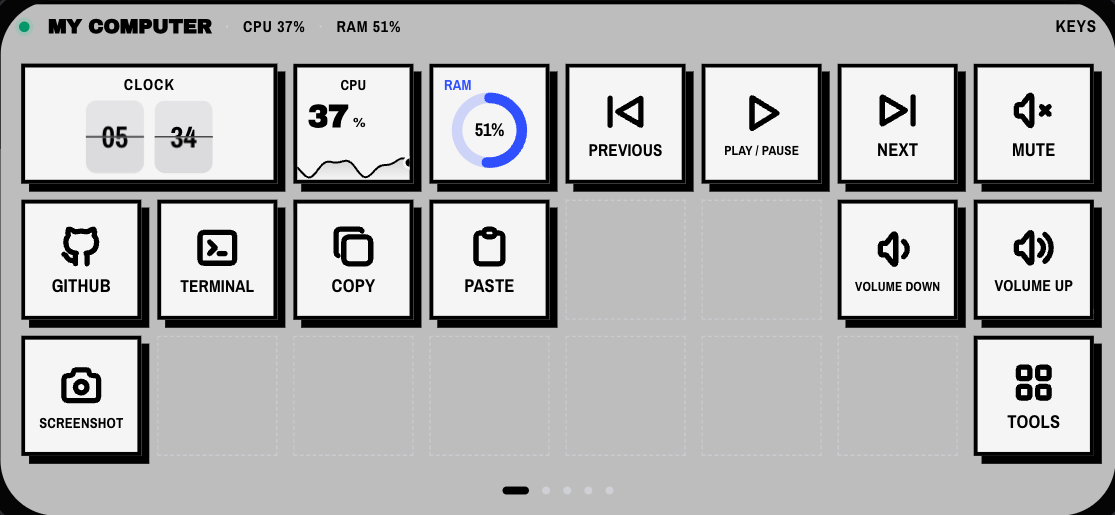
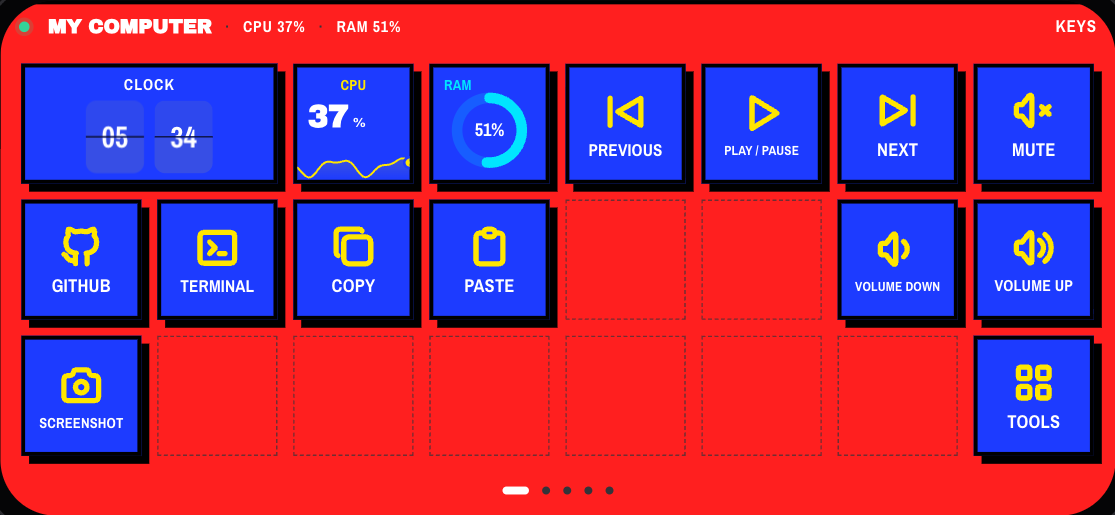
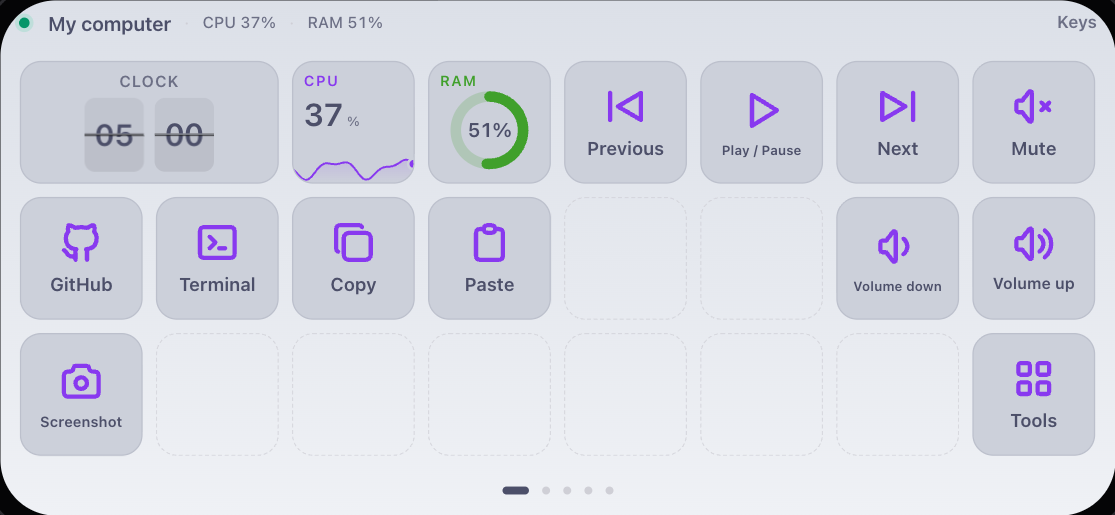
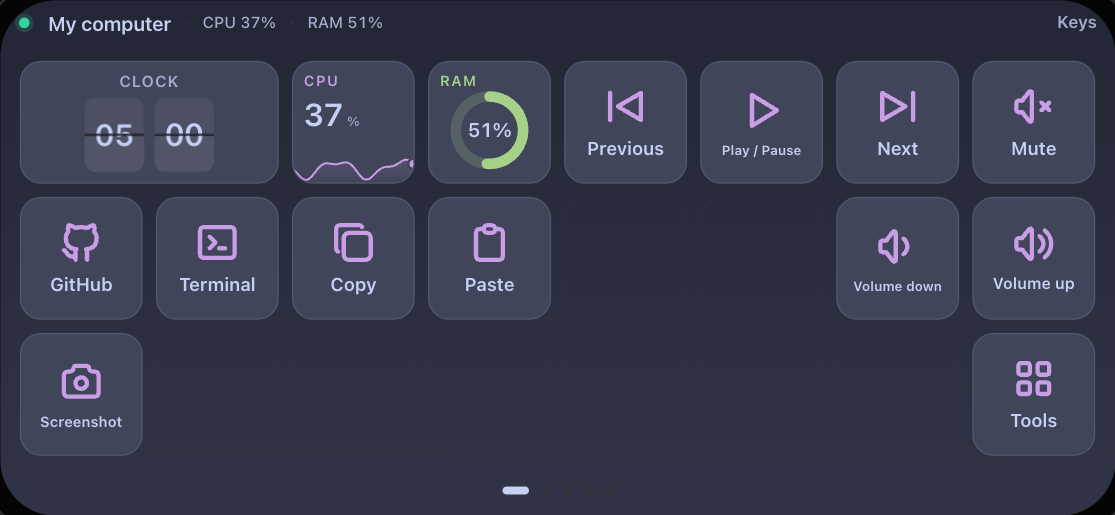
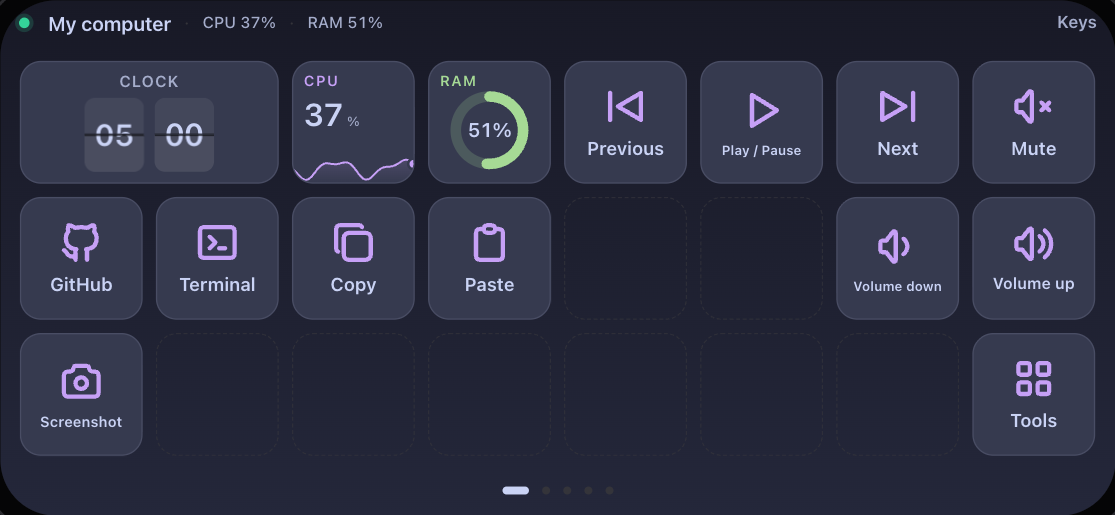
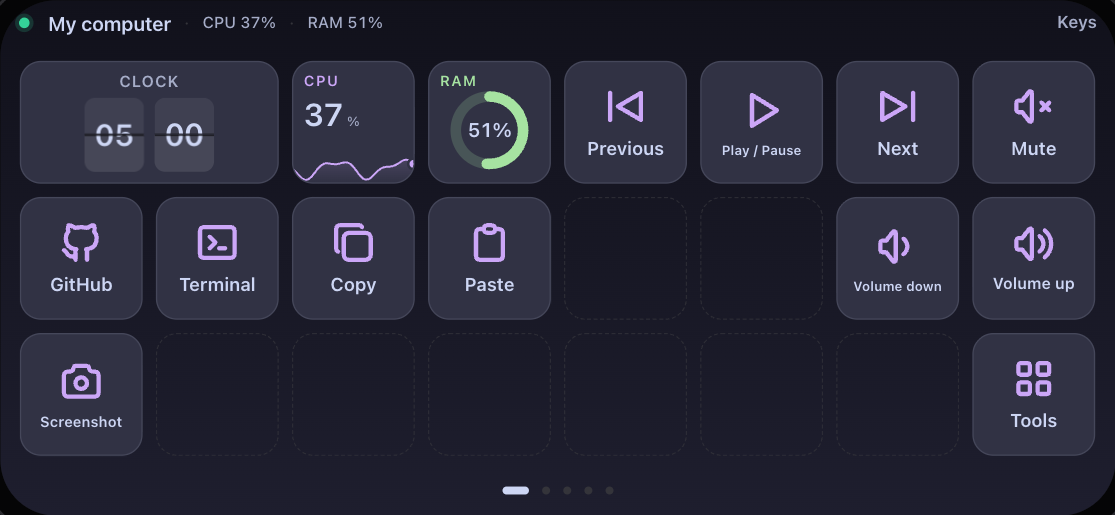
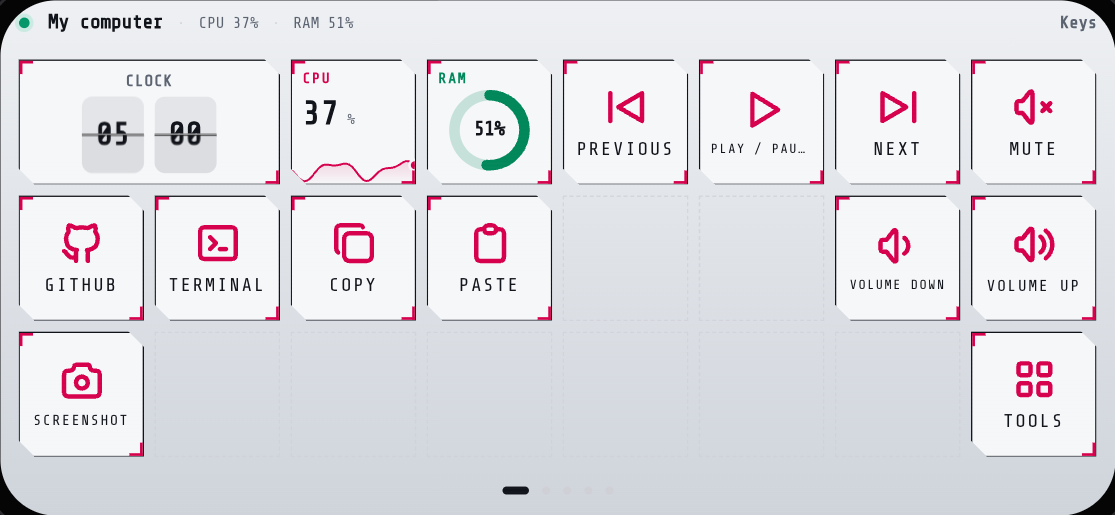
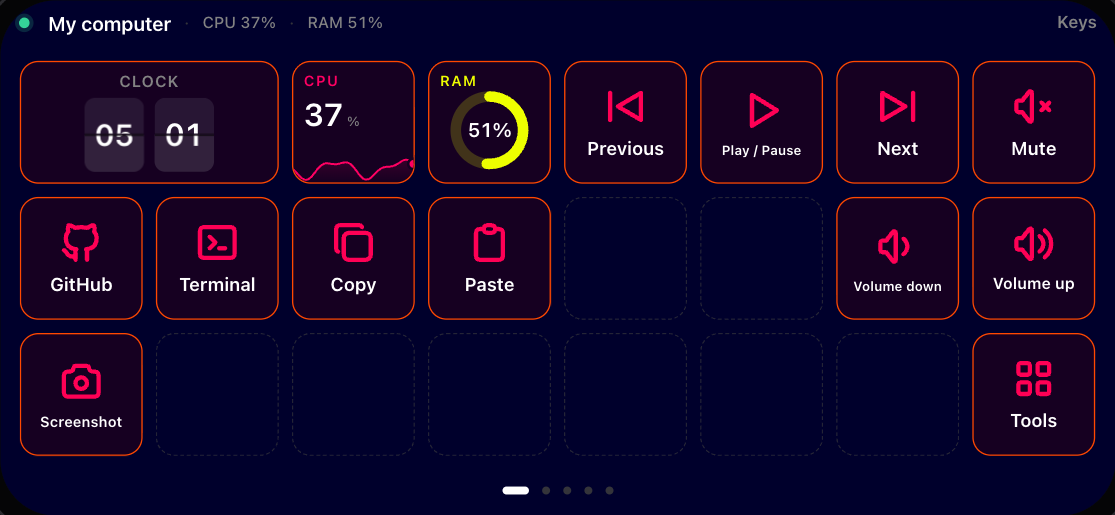
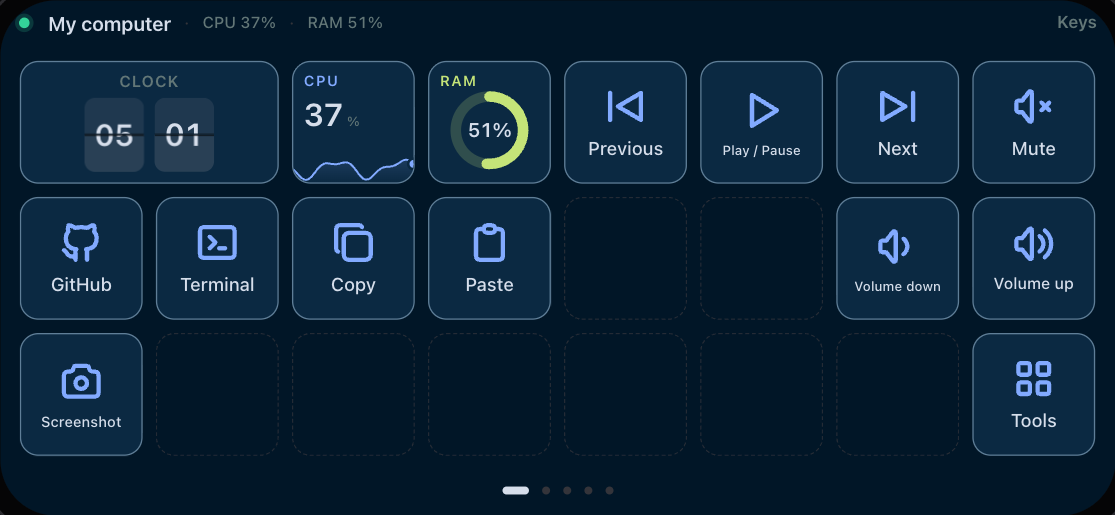
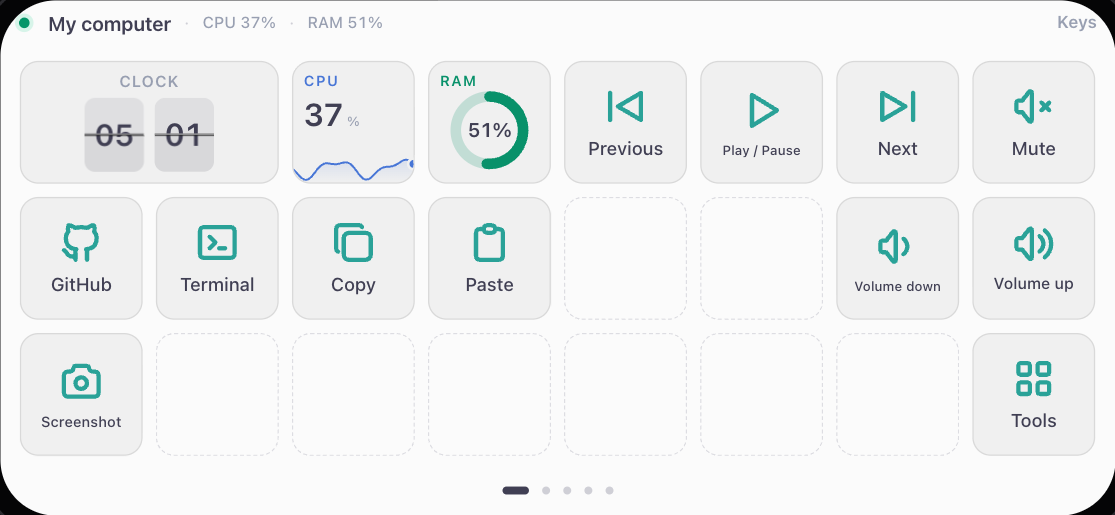
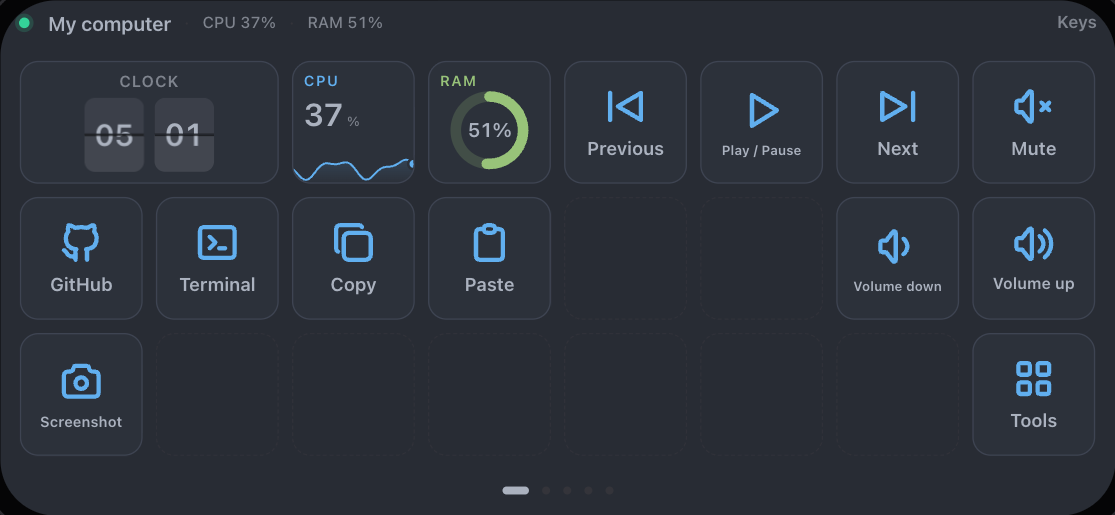
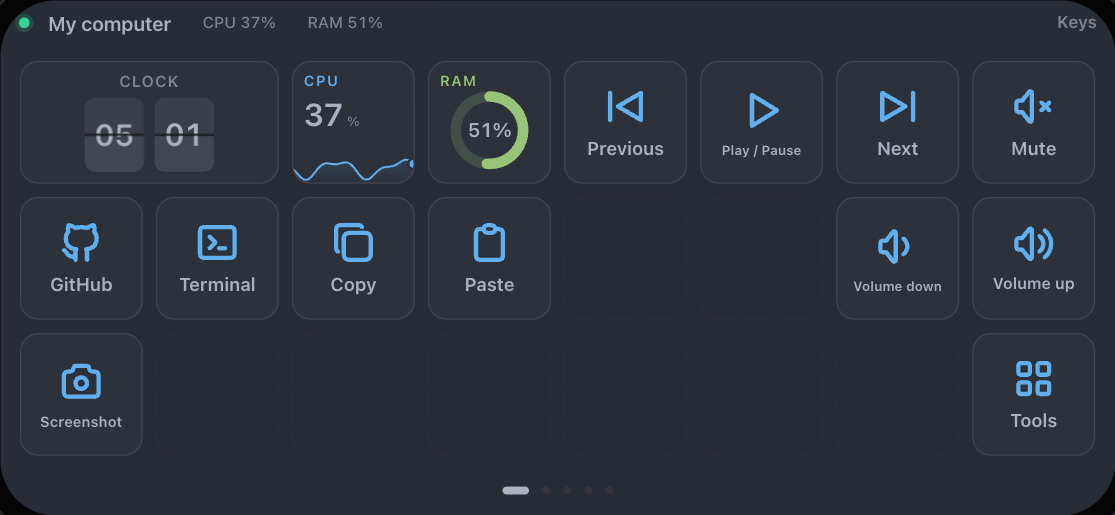
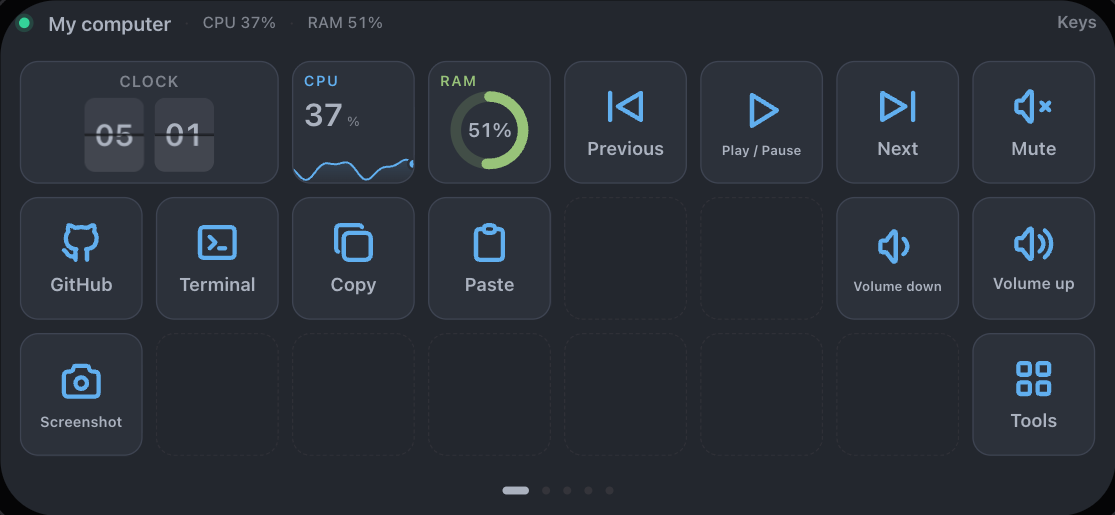
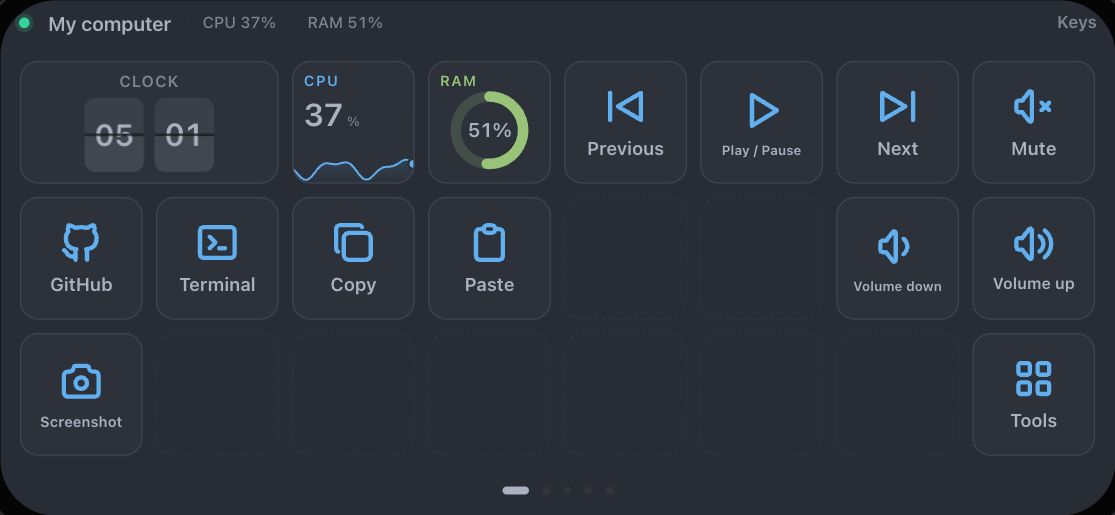
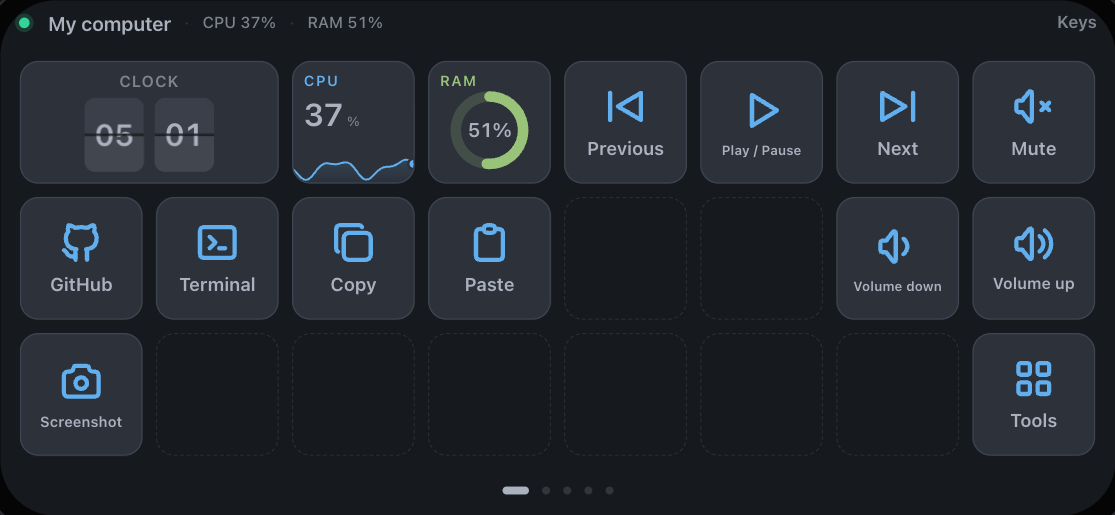
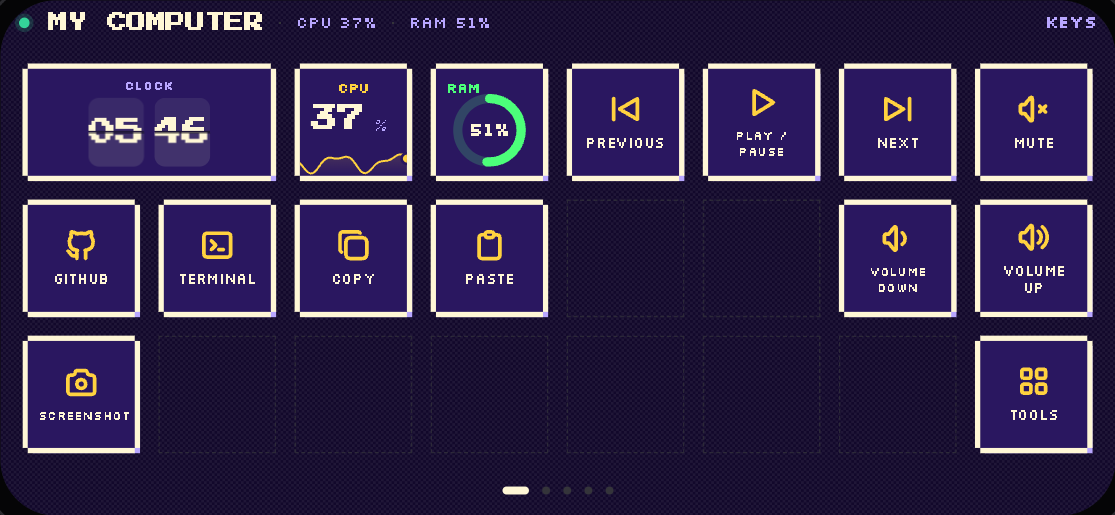
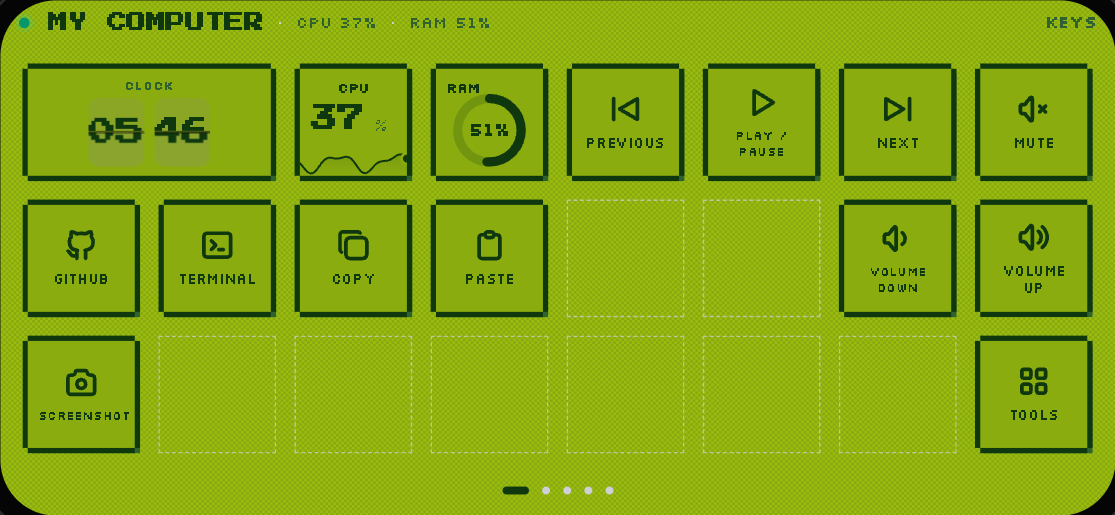
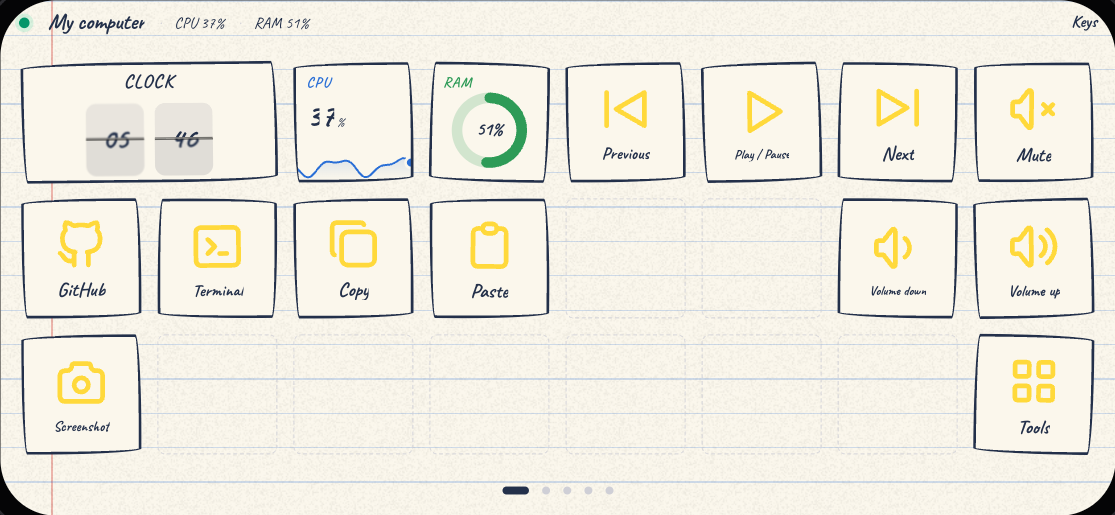
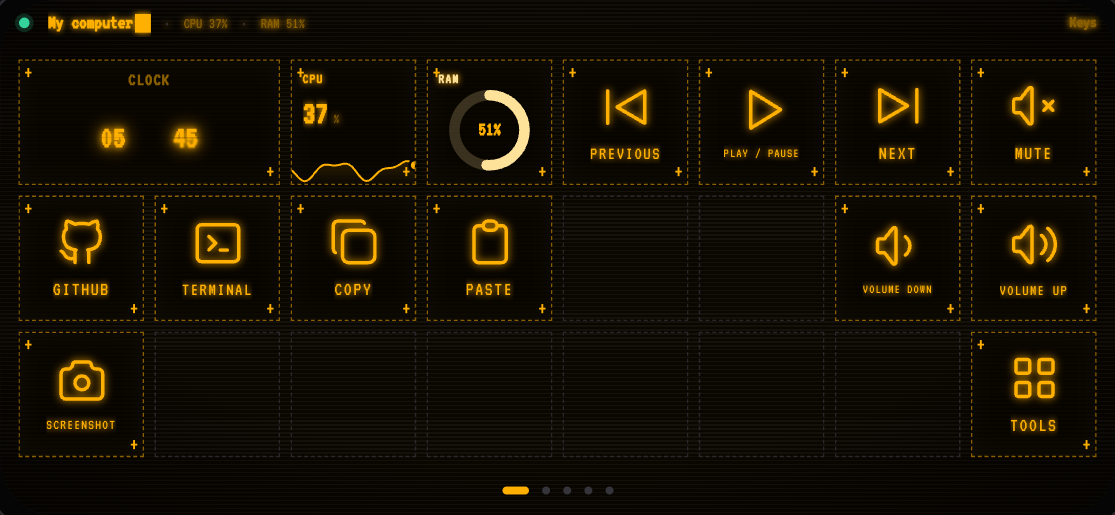
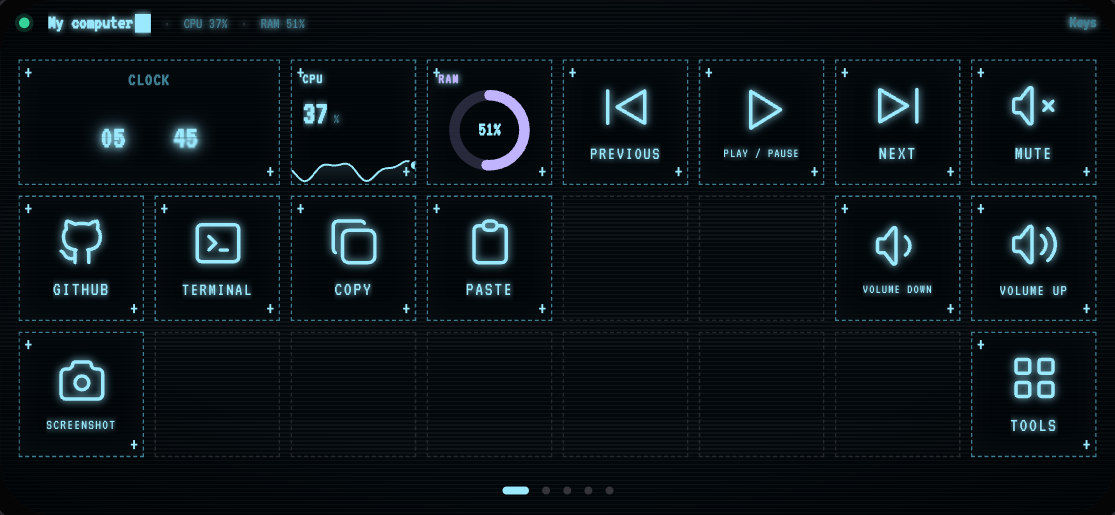
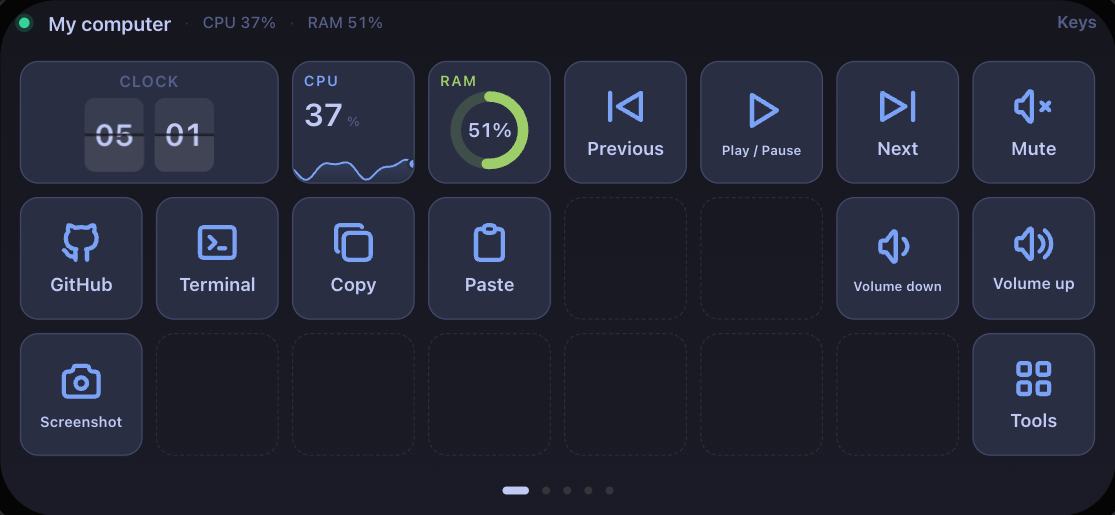
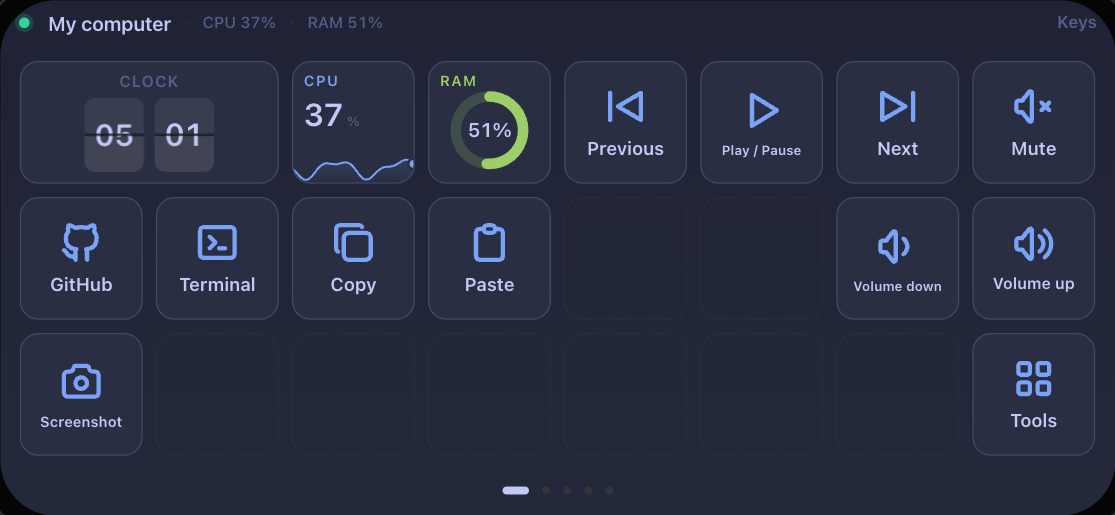
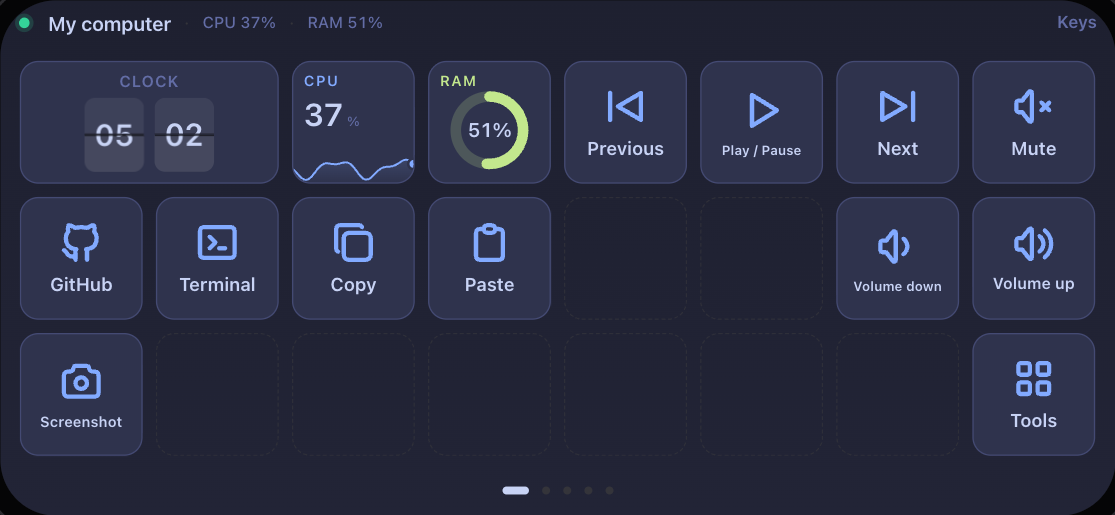
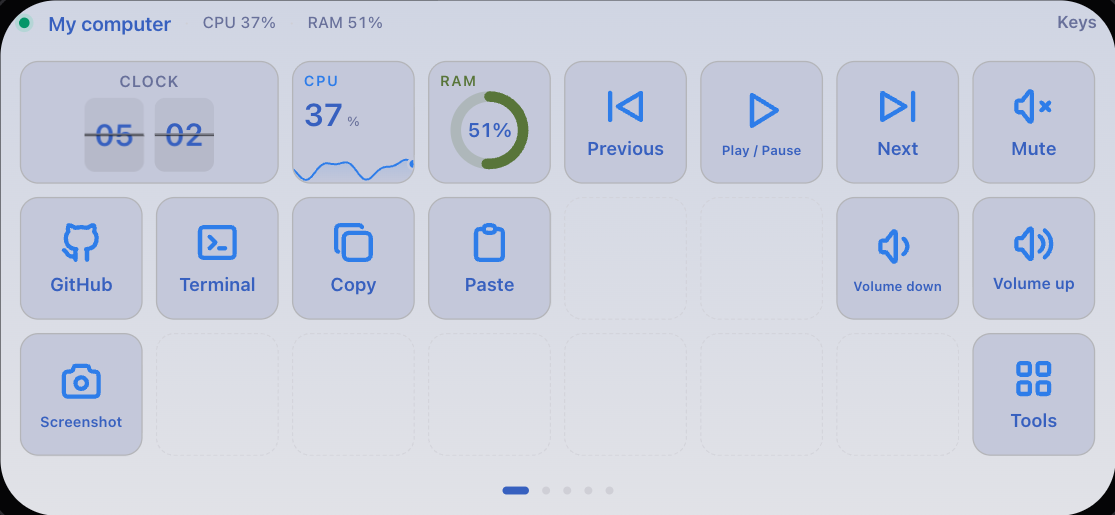
Old devices
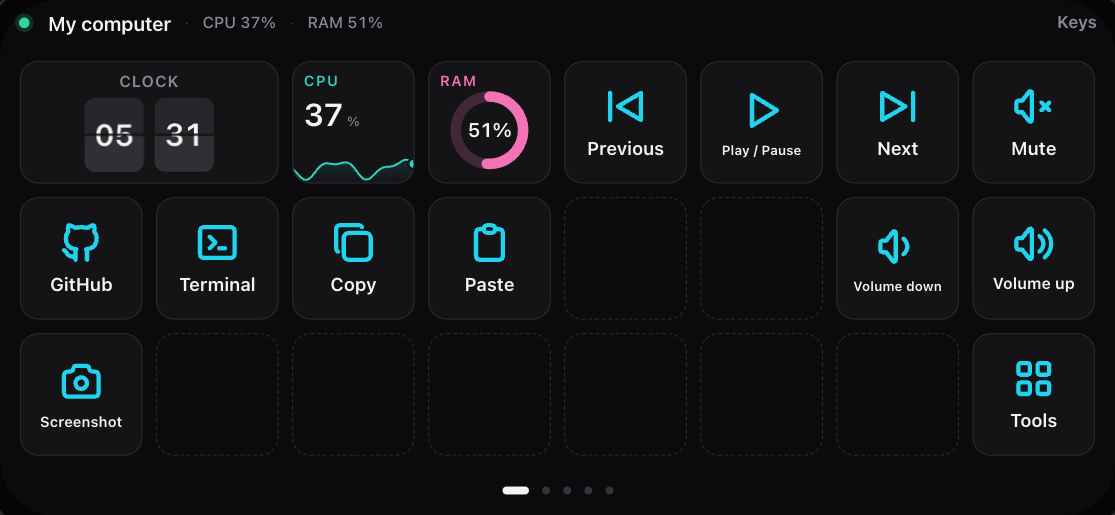
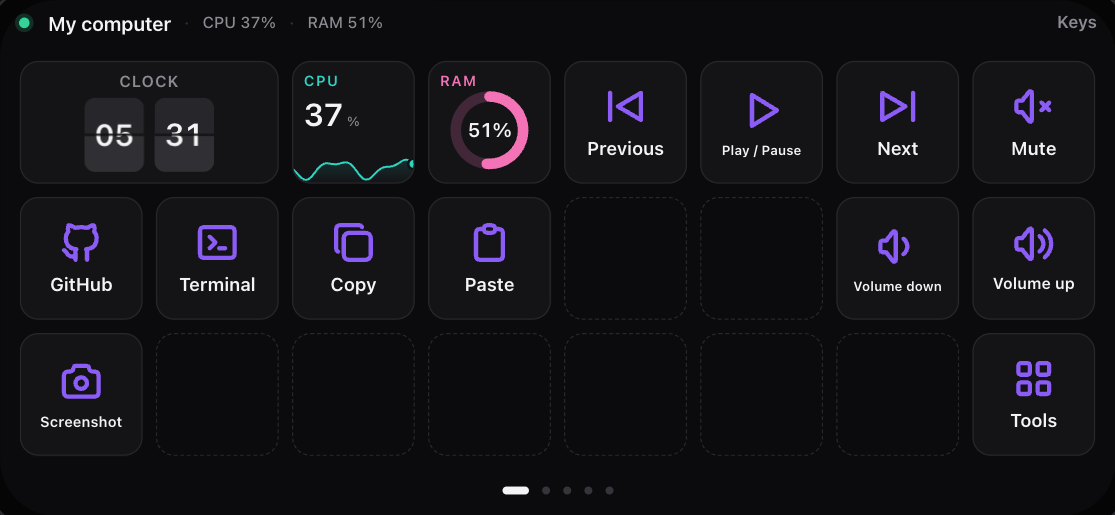
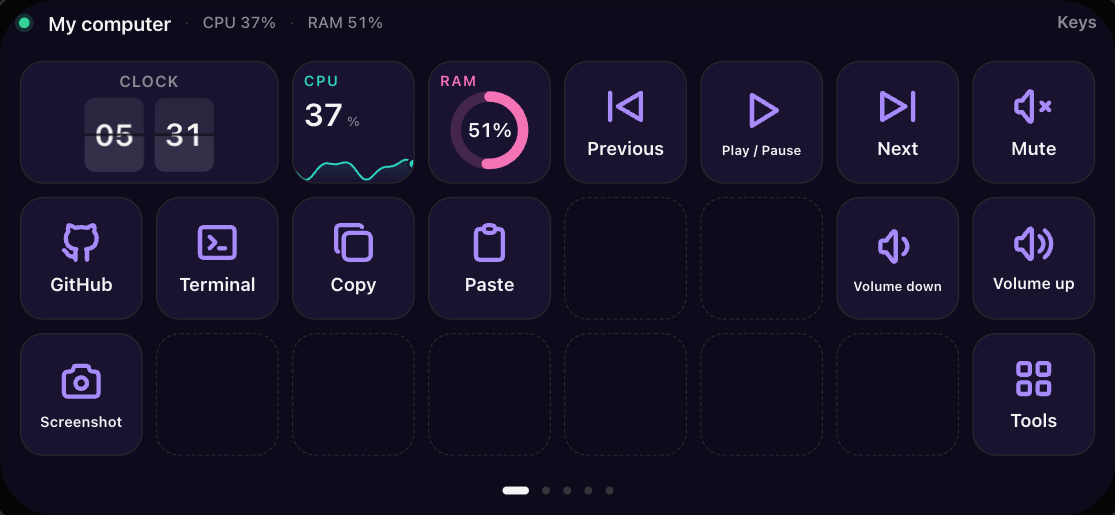
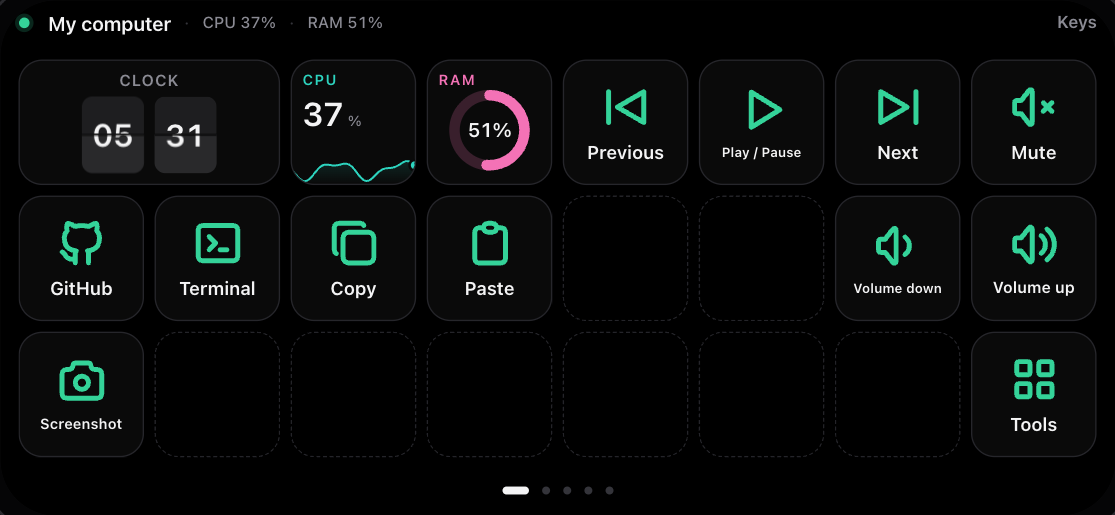
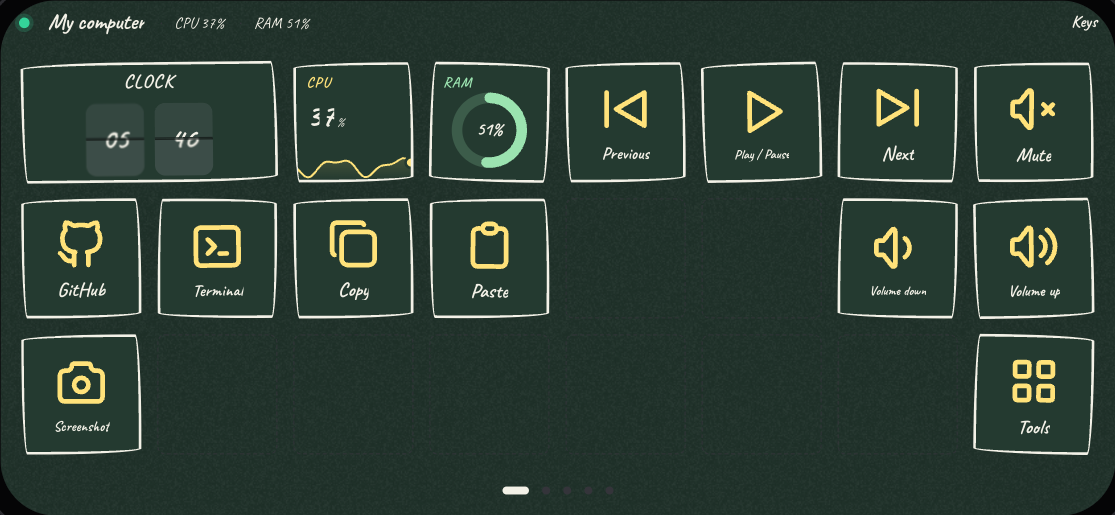
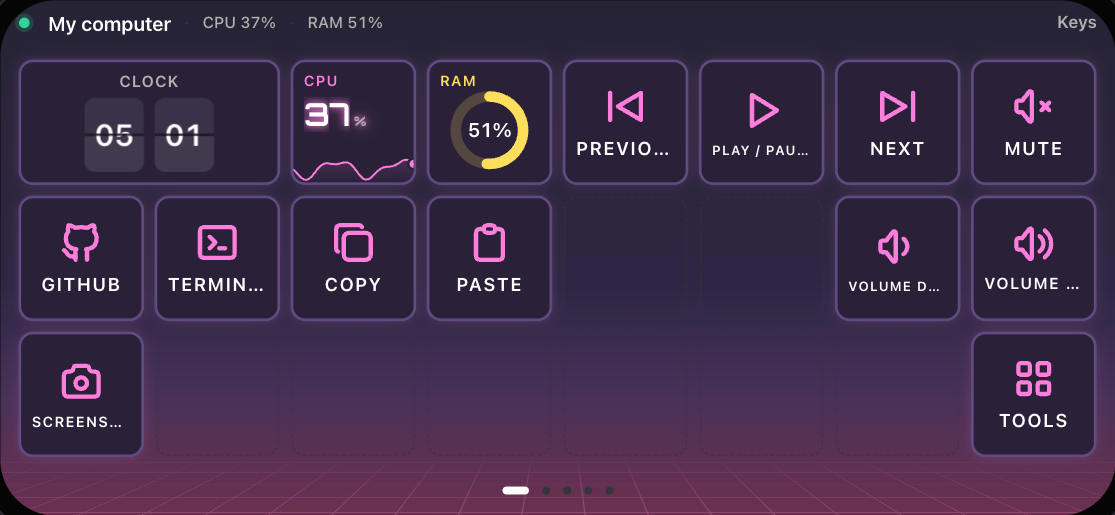
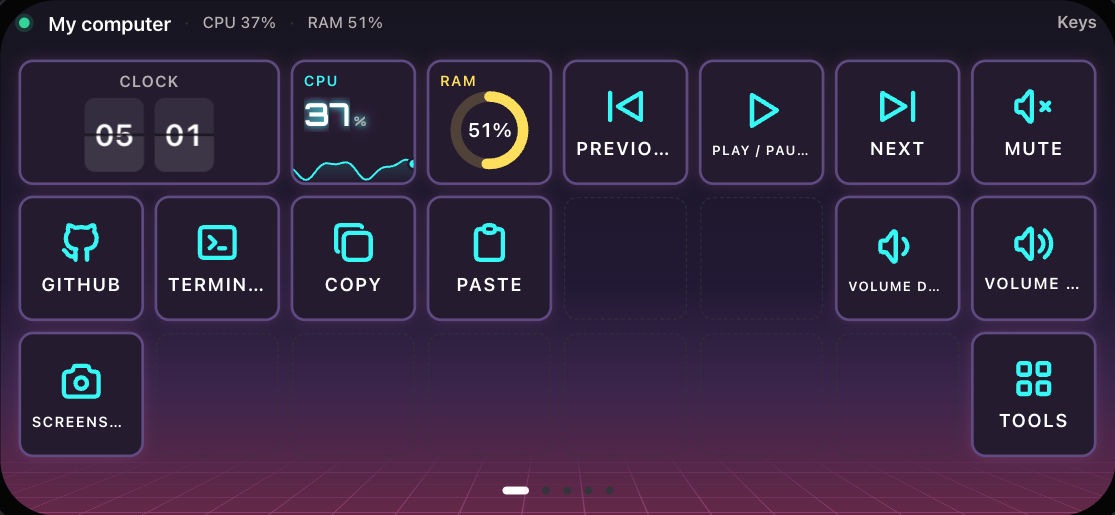
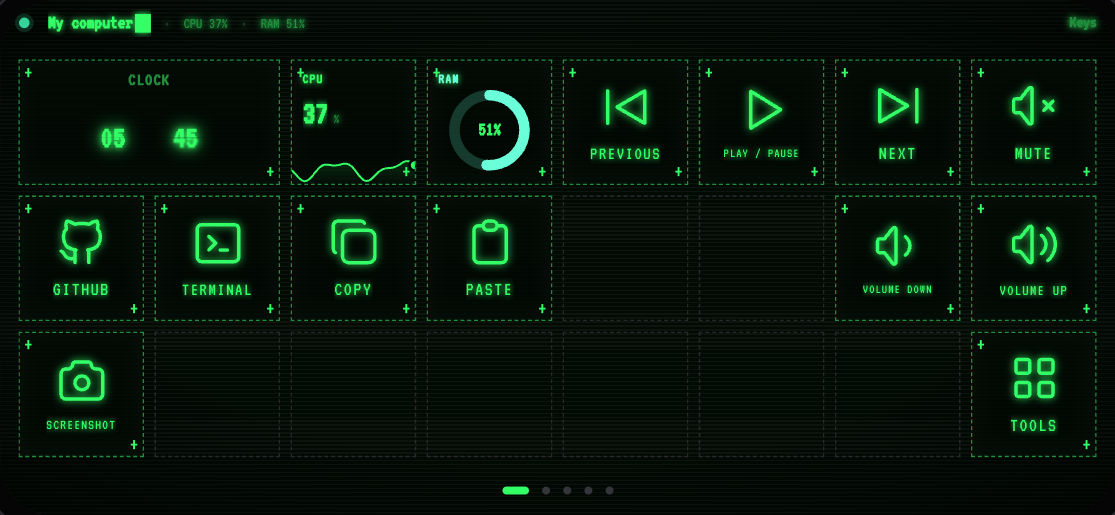
Old phones welcome. The phone side runs on Safari 12, so an old iPhone or an iPad is enough.
- iPhone 5s / SE
- iPhone
- Android
- iPad
Preview at iPhone 5s/SE, iPhone, Android or iPad size
It opens in the phone’s browser over Wi-Fi. No app, no account, no cloud. Formerly PhoneDesk.

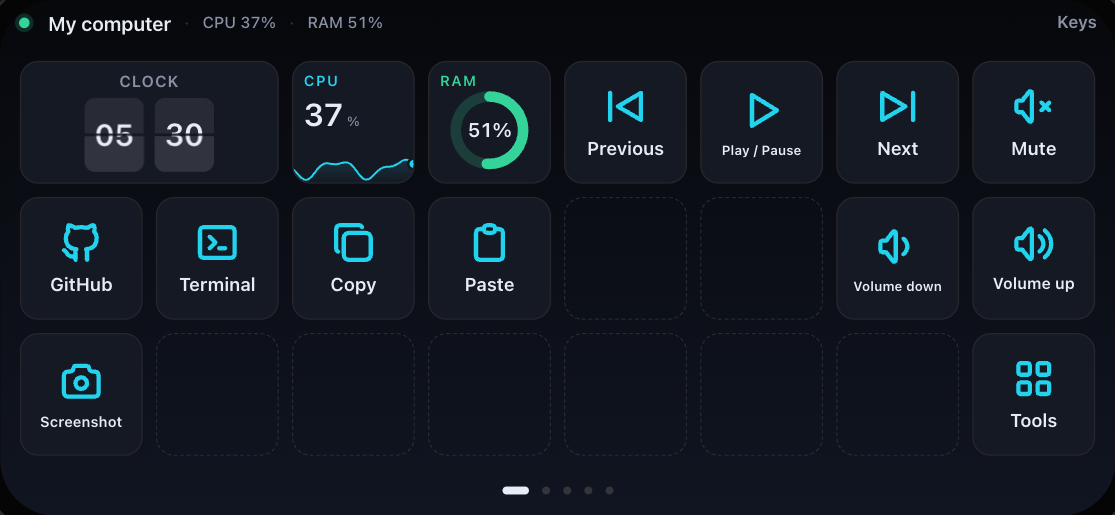
Every key is a real action on your computer.
Permission prompts from Claude Code land on the phone. Miss one, and it asks in the terminal.
Hooks are opt-in. Quotas are read-only.
bun run buildIt prints a QR code and a PIN.
Pair once. The phone remembers.
Drag them onto a live preview, press Save.
Make it yours
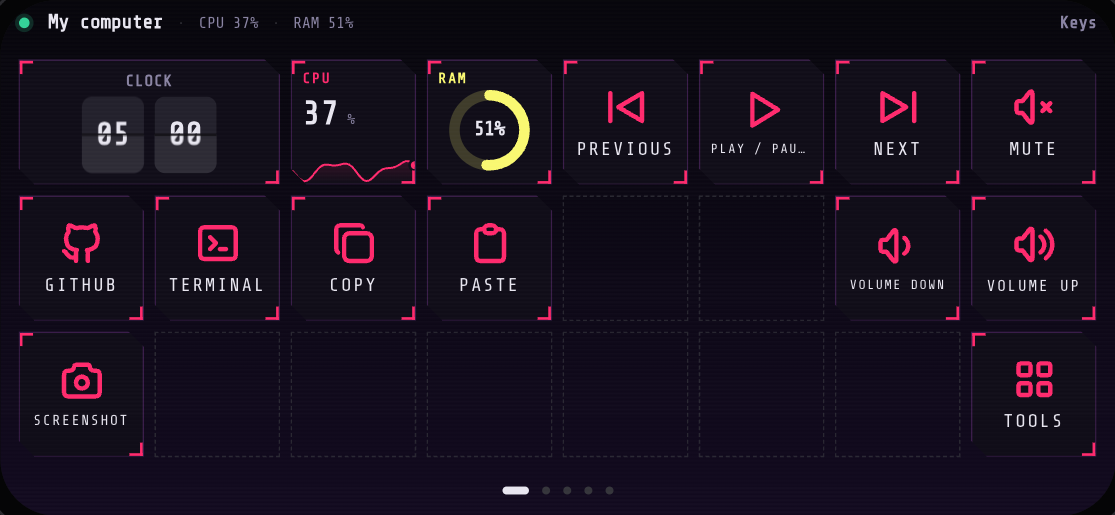
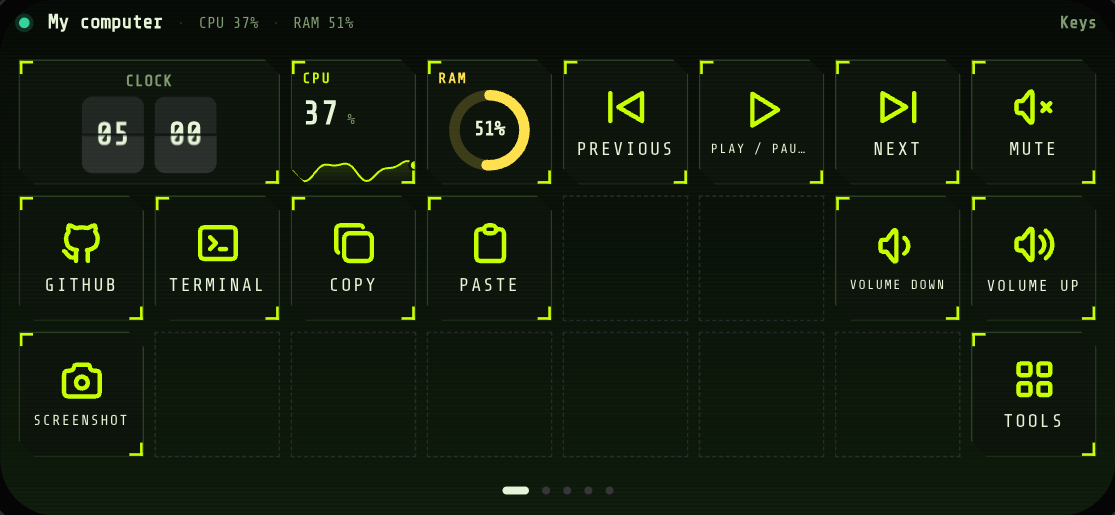
Change how it looks with a theme. Change what it does with a plugin. Both install in one click, and nothing runs until you allow it.
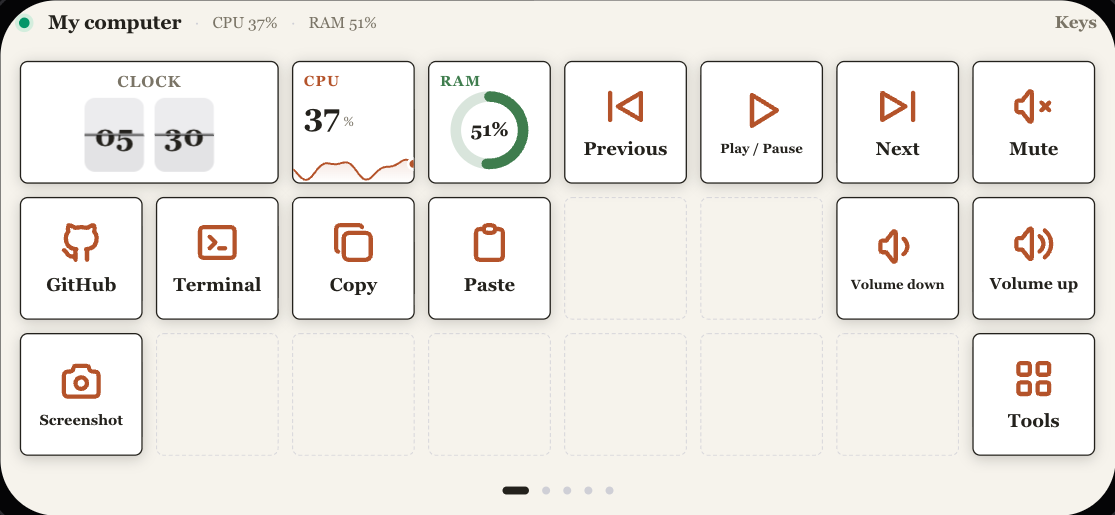
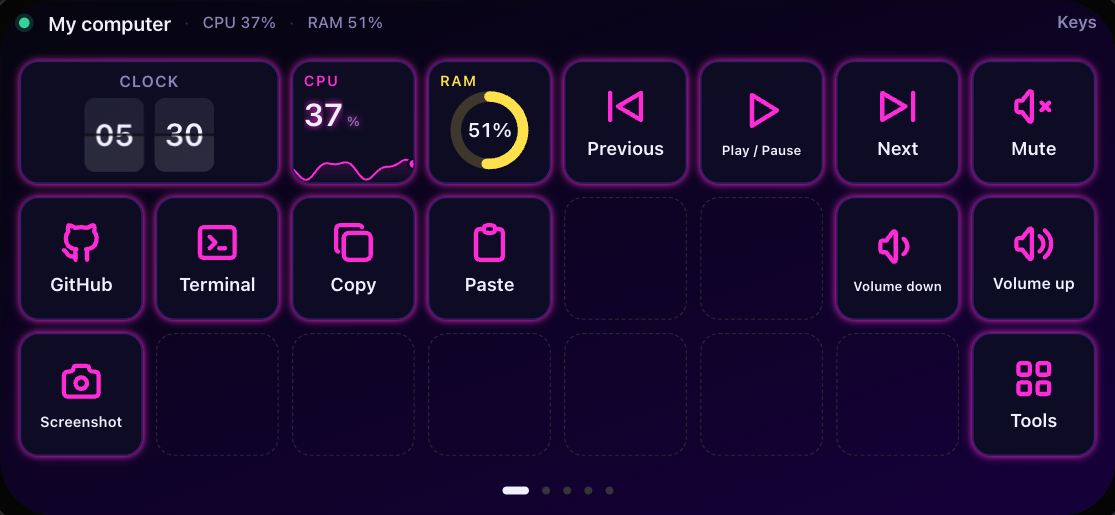
15 packs and 49 looks, dark and light. Catppuccin, Tokyo Night, Cyberpunk and more.
Browse themes →Install from the Store in one click. No code needed: one nookdeck.json is enough, or write TypeScript. A permission prompt comes before anything runs.
{
  "id": "dev.alice.crypto",
  "nookdeck": ">=0.2.0",
  "permissions": { "network": ["api.coingecko.com"] },
  "widgets": [{
    "render": "stat",
    "sizes": ["2x1", "2x2"],
    "source": {
      "http": { "url": "https://api.coingecko.com/…",
               "every": 60 },
      "map": {
        "value": "$.bitcoin.usd",
        "unit": "USD",
        "label": "bitcoin"
      }
    }
  }]
}Old devices
Preview at iPhone 5s/SE, iPhone, Android or iPad size
Privacy
One line, about two minutes.
Download the app
Version
Mac: open System Settings → Privacy & Security and click "Open Anyway". Nookdeck has no Apple Developer ID yet.
Windows: in SmartScreen, click "More info", then "Run anyway".
Homebrew on Mac
The app (menu bar, with updates).
The command line only.
If a newer brew asks you to trust the tap, run brew trust howznguyen/nookdeck
Quitting the app does not stop your phone panel.
Prefer a terminal?
Paste into Terminal. macOS 13 or later.
Installs for your user only, no administrator. The download is checked against its SHA-256 first.
Open source. Pull requests and translations are welcome.★ 45 stars on GitHubOpen an issue Contribute
Thanks to Ron Ng and Howie989.